Branches, Locations & Localized Timezones
Multi-Branch Architecture
Emmai supports complex multi-location practices under a single subscription. The Branches Management interface (/dashboard/settings/branches) provides a comprehensive list of all operational facilities and virtual hubs.
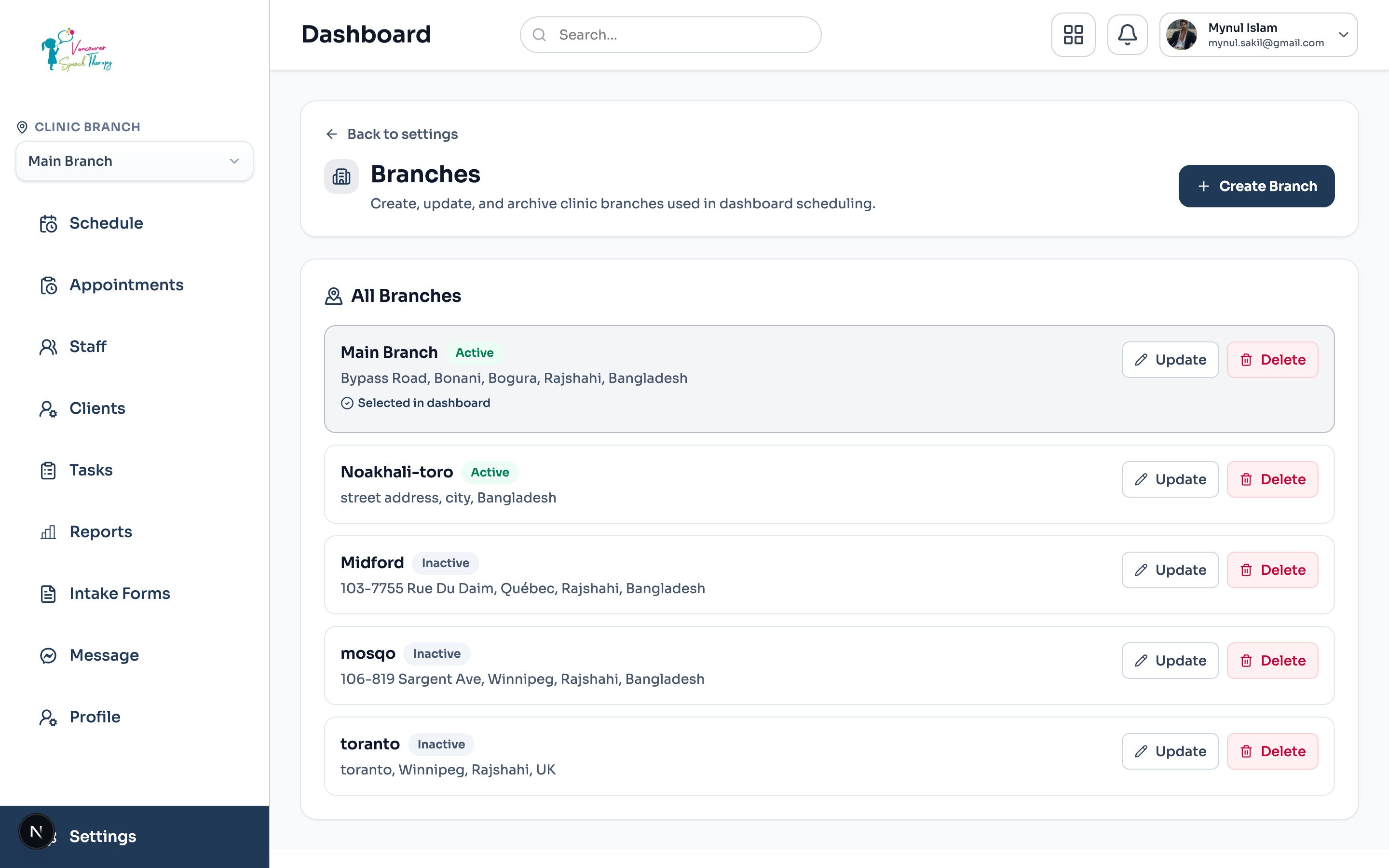
Navigate to Settings > Branches from the admin dashboard.
View active locations, physical street addresses, primary phone contacts, and assigned IANA timezones.
Click '+ Add New Branch' or use the action menu to edit existing location configurations.
Creating or Editing a Clinic Location
Follow these steps when setting up a new physical branch or telehealth hub:
Click '+ Add New Branch' in the upper right.
Enter Branch Name (e.g. 'Vancouver Clinic', 'North Shore Office', or 'Virtual Care Hub').
Specify Physical Address, Suite/Unit number, Postal Code, and Direct Contact Phone.
Select Local Timezone (e.g. 'America/Vancouver'). All calendar grids and SMS reminders for this branch will adhere strictly to this timezone.
Toggle modality: check whether this location supports In-Person visits, Virtual Telehealth consultations, or both.
Save changes. The branch is immediately accessible in the main Calendar branch filter and the online booking portal.
Was this guide helpful?
Your feedback helps our clinical documentation team improve.