Launching & Conducting Telehealth Consultations
HIPAA-Compliant In-Browser Video
Emmai's telehealth suite runs directly in modern browsers (Chrome, Safari, Firefox, Edge). Neither clinicians nor patients need to download third-party software.
Browser Permissions
Starting Your Virtual Session
Follow these steps to launch a virtual consultation:
Click the appointment card on your calendar or go to Appointments list.
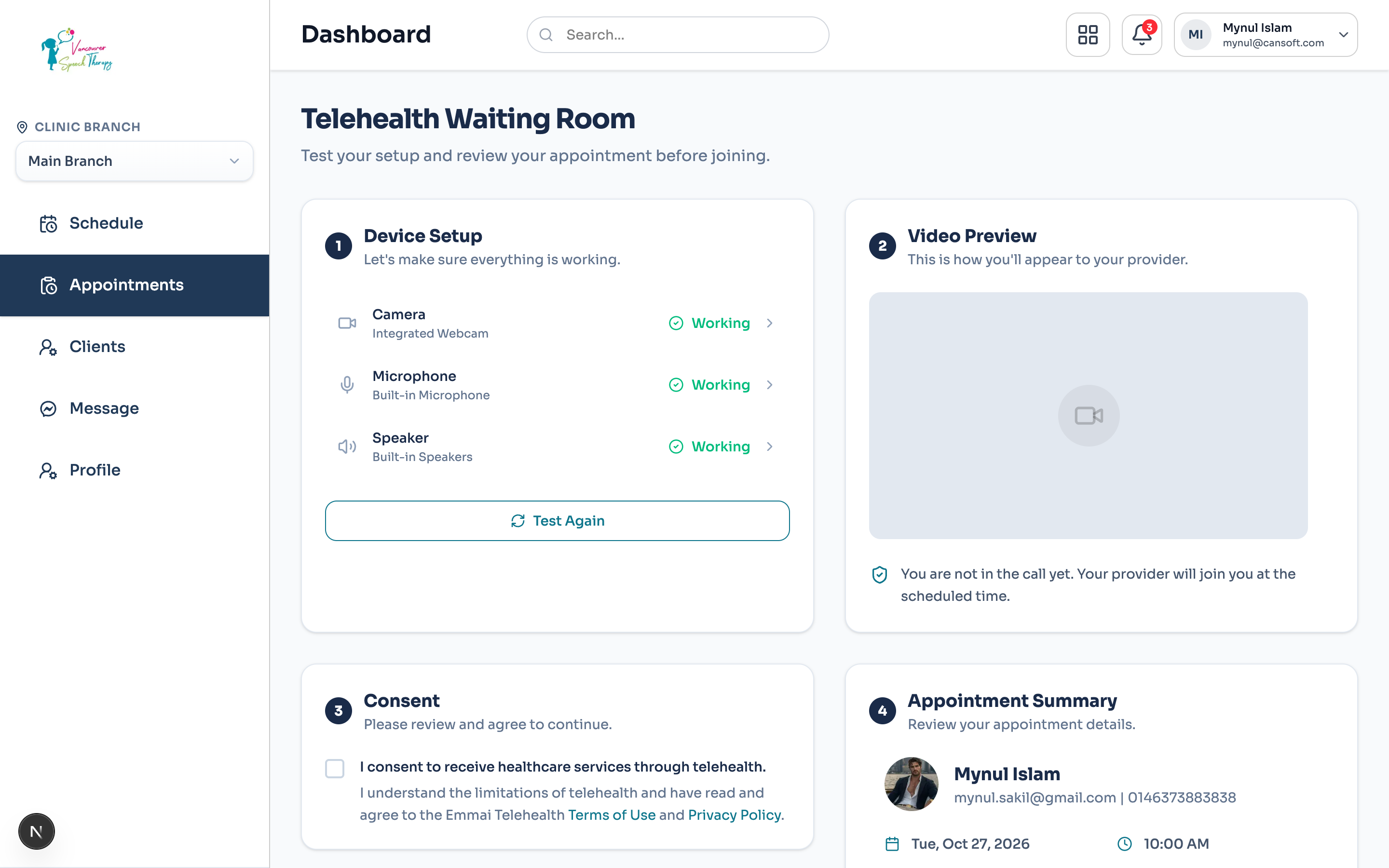
Click 'Join Telehealth Room'. You will enter a pre-call device preview screen.
Verify your video thumbnail, microphone input meter, and speaker output.
Click 'Enter Room'. When the patient joins from their secure portal link, the video feed will connect.
In-Call Tools & Patient Privacy
During the call, practitioners can mute/unmute, toggle cameras, share their screen, view the patient's active chart side-by-side, or enable live closed captions.
Was this guide helpful?
Your feedback helps our clinical documentation team improve.