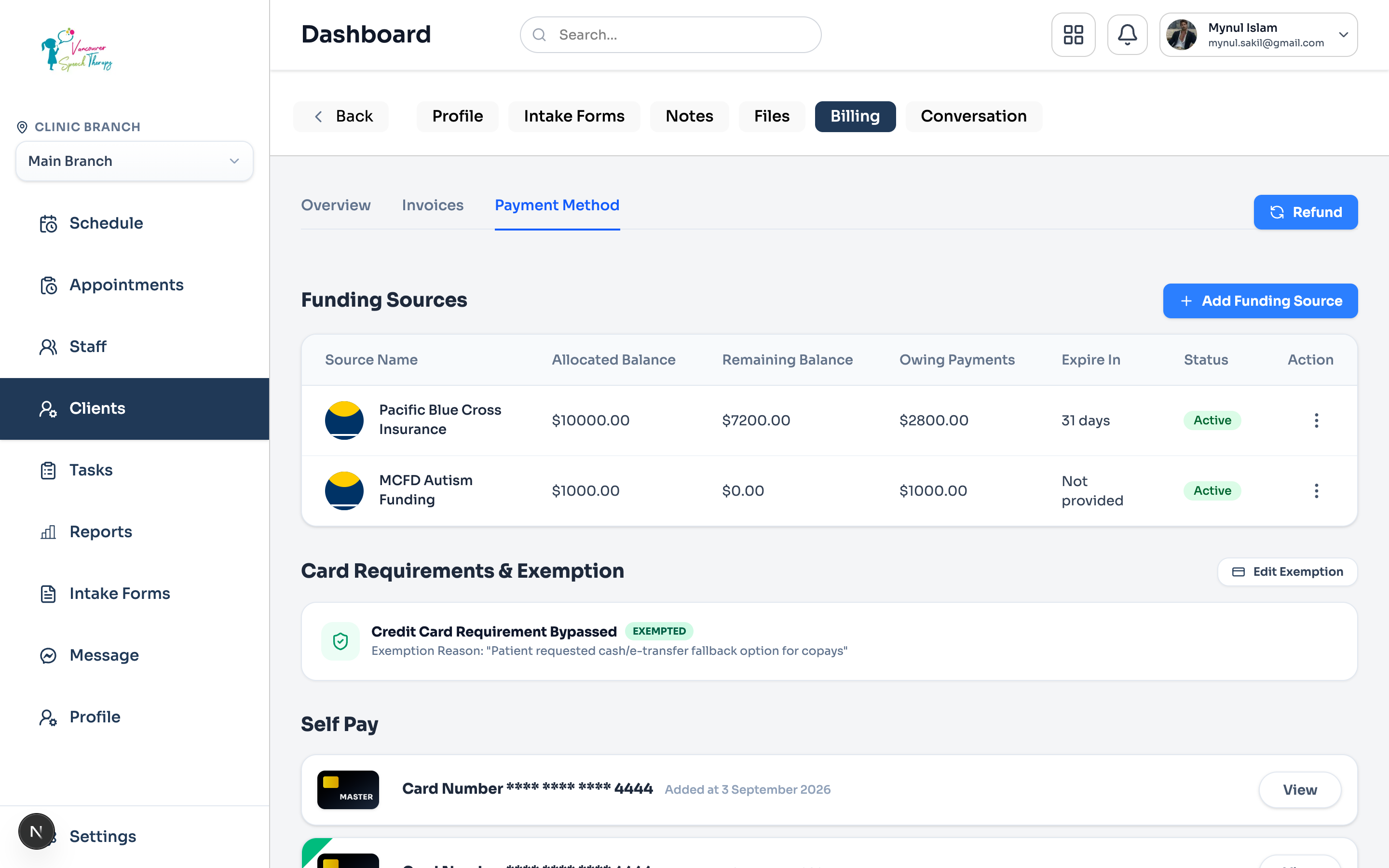
Adding Funding from Profile > Billing > Payment Method
Adding a Funding Source for a Patient
In Emmai, administrators add insurance policies and third-party funding directly under the client's profile:
Automatic Split Invoices
Navigate to Clients from the left navigation bar and click on the patient's name.
Click the 'Billing' tab at the top of the client panel, then select the 'Payment Method' subtab.
Locate the 'Funding Sources' table and click the '+ Add Funding Source' button.
In the slide-out drawer, select the Insurer or Program (e.g. Pacific Blue Cross, Sun Life, Canada Life, MCFD, Autism Funding).
Enter Policy / Plan Number, Certificate / Member ID, and Billing Percentage (e.g. 80% coverage).
Set the Effective Date and Expiry Date, then click 'Save Funding Source'.
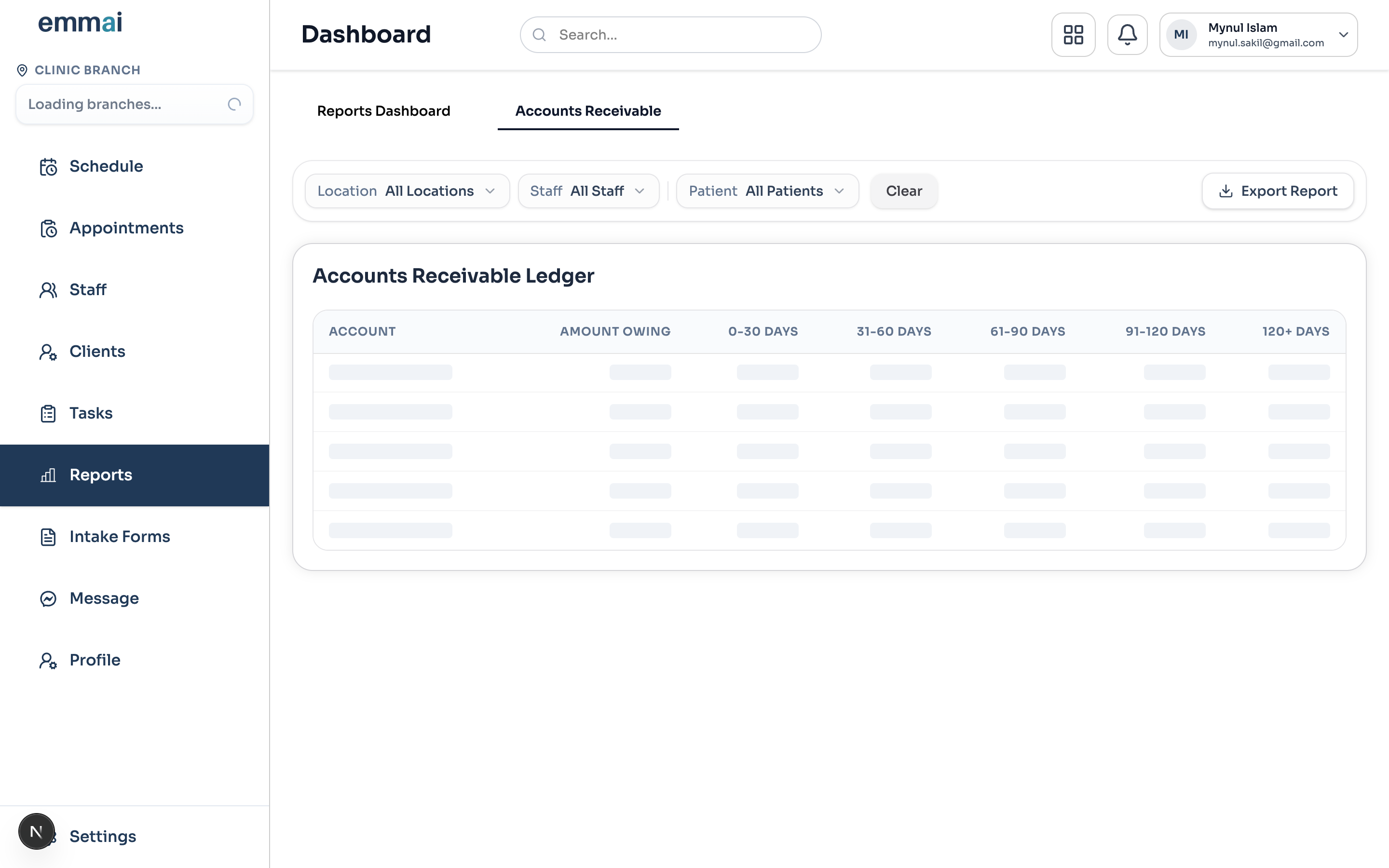
Tracking Claims & Accounts Receivable (A/R)
Track all submitted, pending, and paid claims in real-time across four distinct stages:
Draft: Claims generated from completed visits awaiting billing review.
Submitted: Claims filed with the insurer or provincial portal.
Paid: Remittance received and recorded against the clinic account.
Rejected: Any claim flagged for missing diagnostic or policy information.
Was this guide helpful?
Your feedback helps our clinical documentation team improve.